Login

Sell It Faster

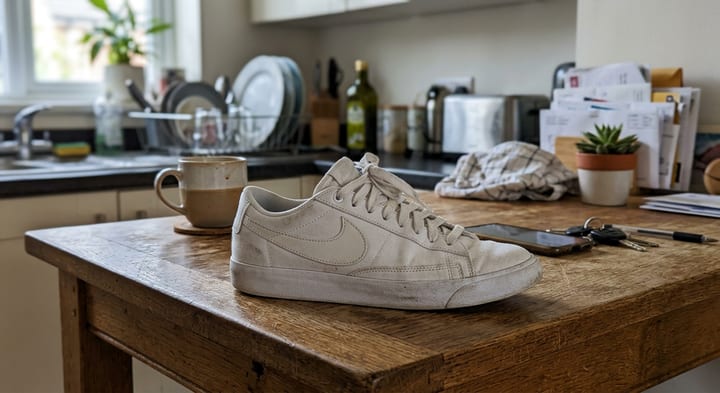
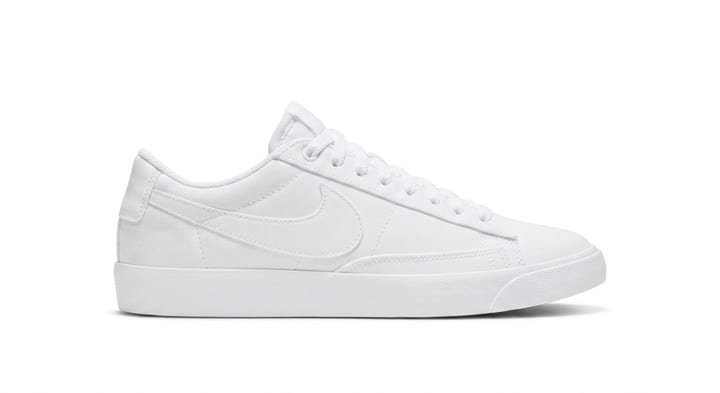
Clean, bright marketplace photos — clutter gone, lighting fixed, number plates blurred. The item itself stays exactly as it is.

Try Marketplace Shot — 5 credits FREE!

Chat on WhatsApp

19152774205

Or text the number directly

Try it free. Your first 5 credits are on us — no sign-up or card required.

PixZap

Online

Hi! I'm PixZap 📸 Send me a photo and I'll sell it faster — clean, bright second-hand listing photos.

2:30 PM
Type a message...
It all happens inside WhatsApp, just like texting a friend
  1. 1 Open WhatsApp
  2. 2 Send your photo
  3. 3 Get it back in seconds
  4. 4 Share with friends

Marketplace Shot — Inside WhatsApp

Clean, bright marketplace photos — clutter gone, lighting fixed, number plates blurred. The item itself stays exactly as it is.

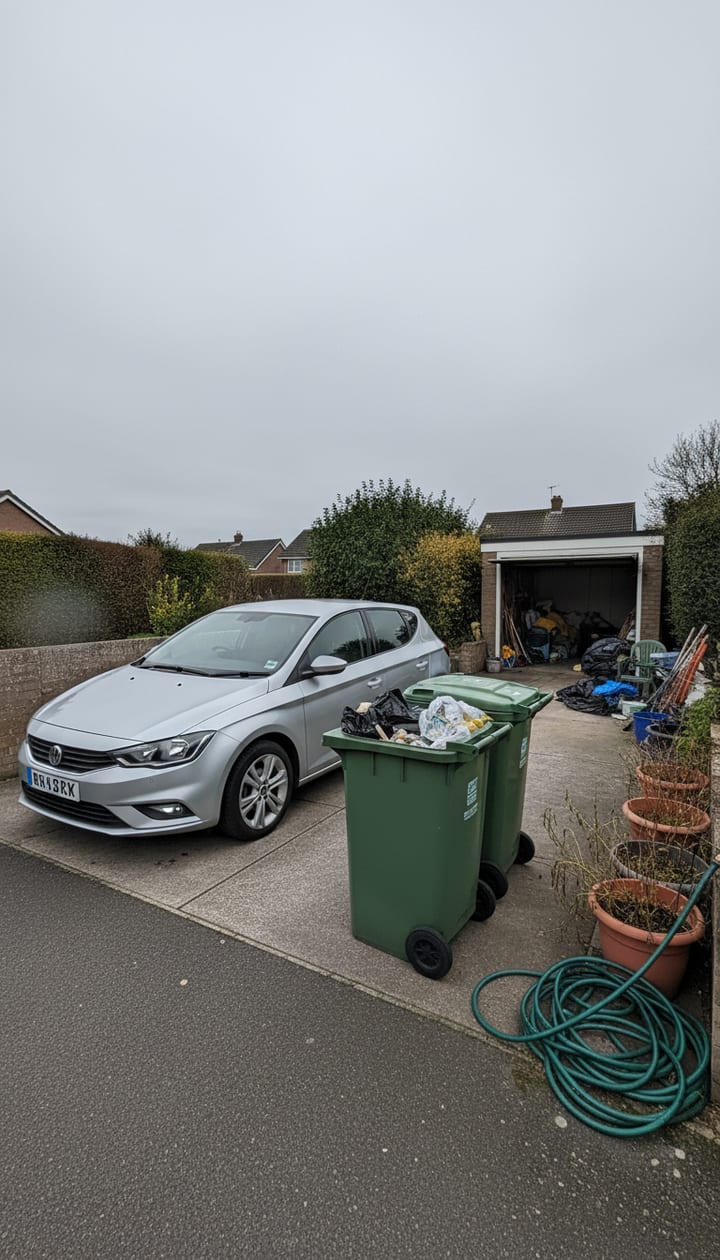
Marketplace Shot — before Before
PixZap
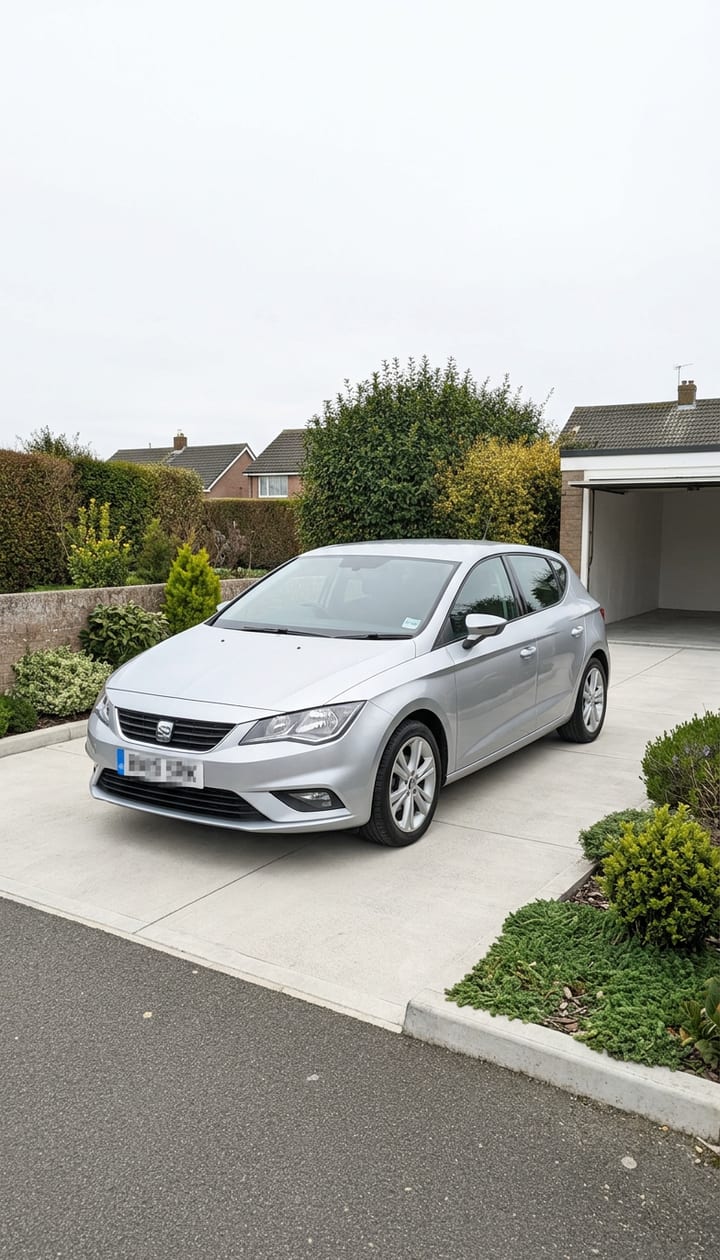
Marketplace Shot — after After ✨

Real before and after, straight back in the chat

PixZap

PixZap

Online

Type a message...

Marketplace Shot

Sell it faster — clean, bright second-hand listing photos

Seconds, not hours

Your result comes straight back in the same chat.

No app to install

It all happens right inside WhatsApp.

Private by default

Photos never shared, sold, or used to train AI — delete anytime.

How PixZap Works

Sell it faster — clean, bright second-hand listing photos. 3 steps, all inside a WhatsApp chat.

1
Step 1
Marketplace Shot input

Send your listing photo

Open PixZap on WhatsApp and send the photo of what you're selling — the car on the driveway, the sofa mid-living-room, the jacket on the bed.

2
Step 2

Lose the bins behind the car

12:34 PM ✓✓

Prepping your listing 🏷️

12:34 PM

Point out the mess (optional)

Tell PixZap what to tidy — "the bins behind the car", "all the stuff on the floor" — or let it clear the distractions and fix the lighting on its own.

3
Step 3
After
Marketplace Shot result

Post the better photo

Back comes a bright, tidy, scroll-stopping listing shot. The item keeps its true condition, and any visible number plates are blurred for you automatically.

Zap it, then Stack it…

Every result comes back as a photo in your chat — so keep going. Favourite stacks with Marketplace Shot:

Marketplace Shot — your photo, before

Your photo

Marketplace Shot
Marketplace Shot — the result

Zap #1 done

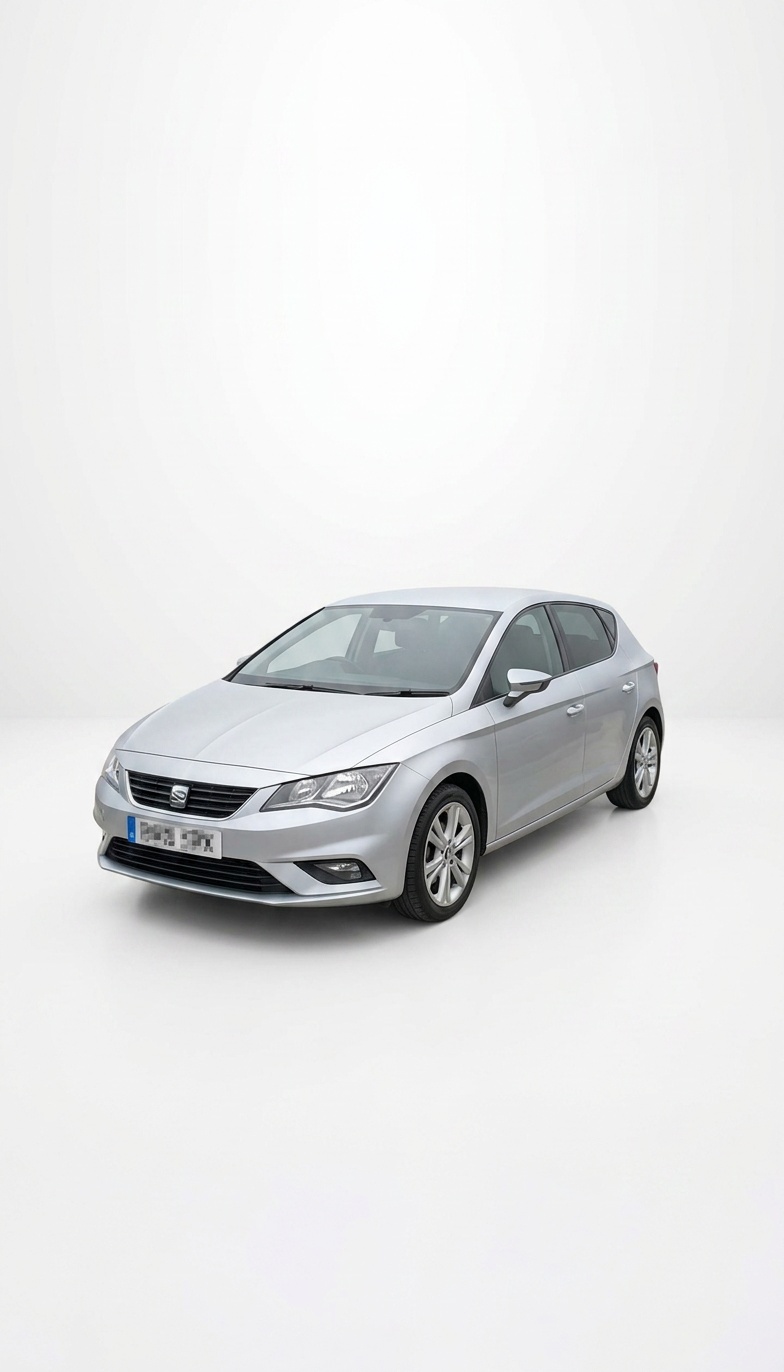
Product Shots applied to the Marketplace Shot result

Zap #2: Product Shots

The white-background version

Each zap is one message — send the result straight back with your next instruction.

Simple pricing

Buy credits as you go, or subscribe and save. Spend across every service.

Marketplace Shot costs 2 credits per run

✨ New here? Your first 5 credits are free — try it before you buy.

Free results carry a small watermark — any pack or plan removes it.

Taster
$2.99
15 credits
$0.199/credit

A few credits to try any service

Try now!
Mini
$4.99
30 credits
$0.166/credit

Enough for a good mix of any services

Try now!
Most popular
Popular
$9.99
70 credits
$0.143/credit

Plenty of credits to spend on any service

Try now!
Value
$19.99
160 credits
$0.125/credit

Our best rate — stock up for anything

Try now!

Every plan works across all services, and every paid credit gets clean, watermark-free results. Subscriptions add rollover credits and cost less per credit.

Frequently Asked Questions

Everything you need to know about PixZap

Will it make the item look better than it really is?

No — and that's deliberate. The item keeps its true condition, marks and wear so buyers see the truth. Only the distracting surroundings and dull lighting get fixed.

What can I use it for?

Cars, furniture, bikes, clothes — anything you're listing on Facebook Marketplace, eBay, Vinted, Gumtree or Depop.

What about a plain white background instead?

For a catalogue-style white background or staged lifestyle scenes, use Product Shots — it's built for e-commerce. Marketplace Shot keeps your item in its real setting, just tidier.

Is it safe? What happens to my photos?

Your photos are used only to create your result and are kept private. They are never used to train AI models, never shared, and never sold — and you can ask us to delete your photos and chat history at any time.

How do credits work?

Everything is priced in credits — a basic edit is 1 credit, a passport photo 12, a video 4–6. Buy a pack once and spend the credits across any service. Credits never expire mid-pack, and new users get a few free credits to try it out first.

How do I start? Is there an app to install?

No app. PixZap works entirely inside WhatsApp — tap the button (or scan the QR code) to open a chat, send your photo, and get your result back in the same conversation.

What is the WhatsApp number?

One number handles everything — just tell it what you want (e.g. “restore this photo”) and it routes you to the right tool. The buttons and QR codes on this page open that chat with the right request pre-filled.

Do results have a watermark?

Free trial results carry a small PixZap watermark. Buy any credit pack or subscription and every result is delivered clean, with no watermark — professional deliverables like passport photos, headshots and product shots are never watermarked.

What if I am not happy with the result?

Tell us in the chat — you can re-run an edit with tweaks, and if a paid result genuinely did not work we will refund the credits.

Ready to try Marketplace Shot?

Open WhatsApp, send your photo, and get your result back in seconds.

Try Marketplace Shot — 5 credits FREE!

Chat on WhatsApp

19152774205

Or text the number directly

Try it free. Your first 5 credits are on us — no sign-up or card required.

More in For Business

View all →
Passport / ID — before
Passport / ID — after
Before After

Passport / ID

Passport, visa & ID photos to your country’s spec + printable sheet

12 credits
Product Shots — before
Product Shots — after
Before After

Product Shots

Clean e-commerce, lifestyle & studio photos for sellers

4 credits
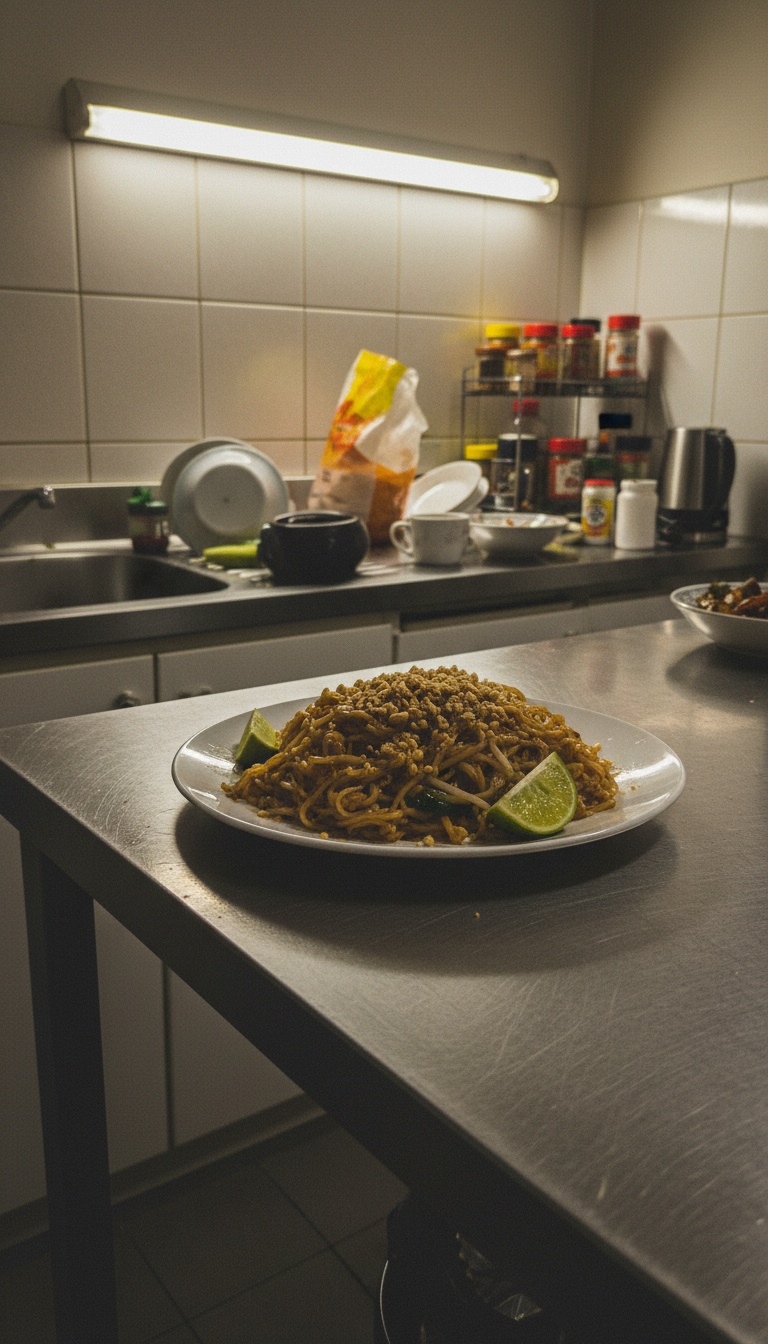
Food Photography — before
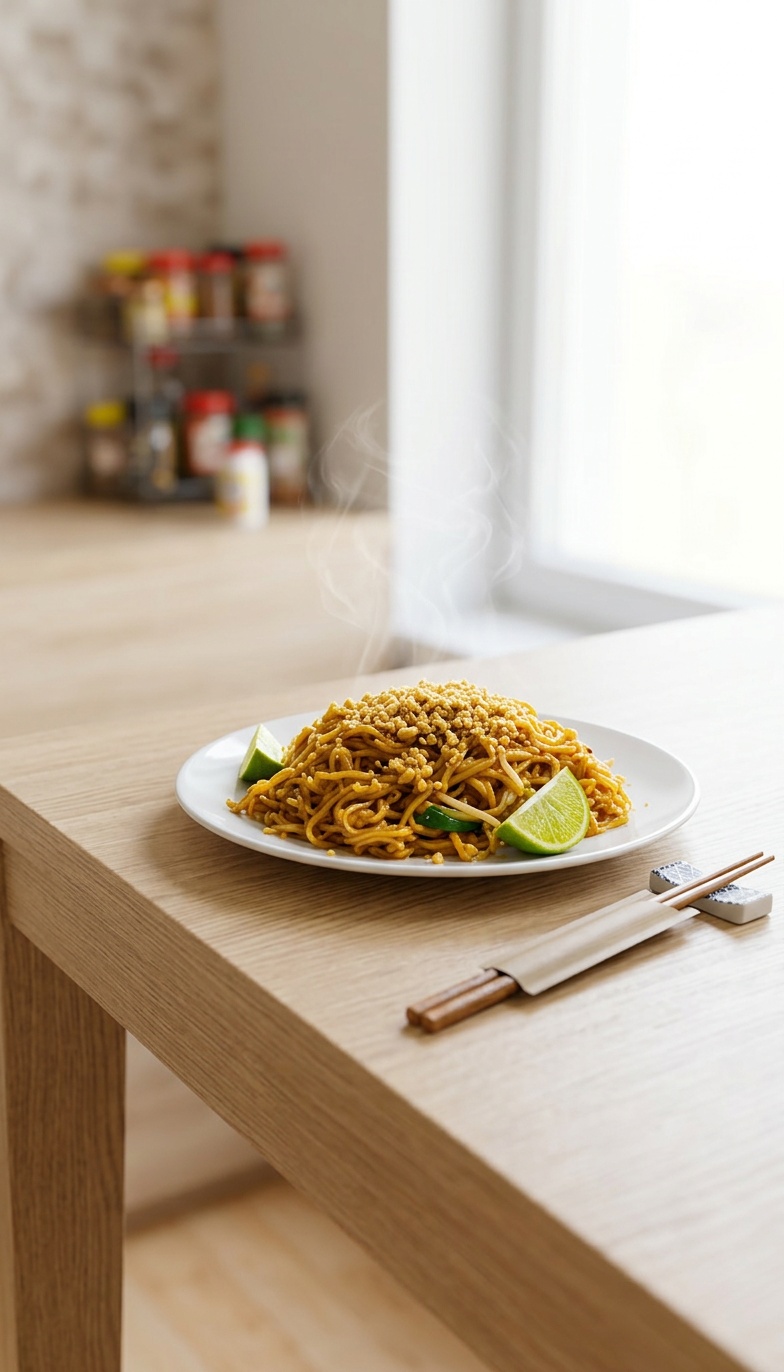
Food Photography — after
Before After

Food Photography

Menu-ready food photos for restaurants & delivery apps

2 credits
Campaign Studio — before
Campaign Studio — after
Before After

Campaign Studio

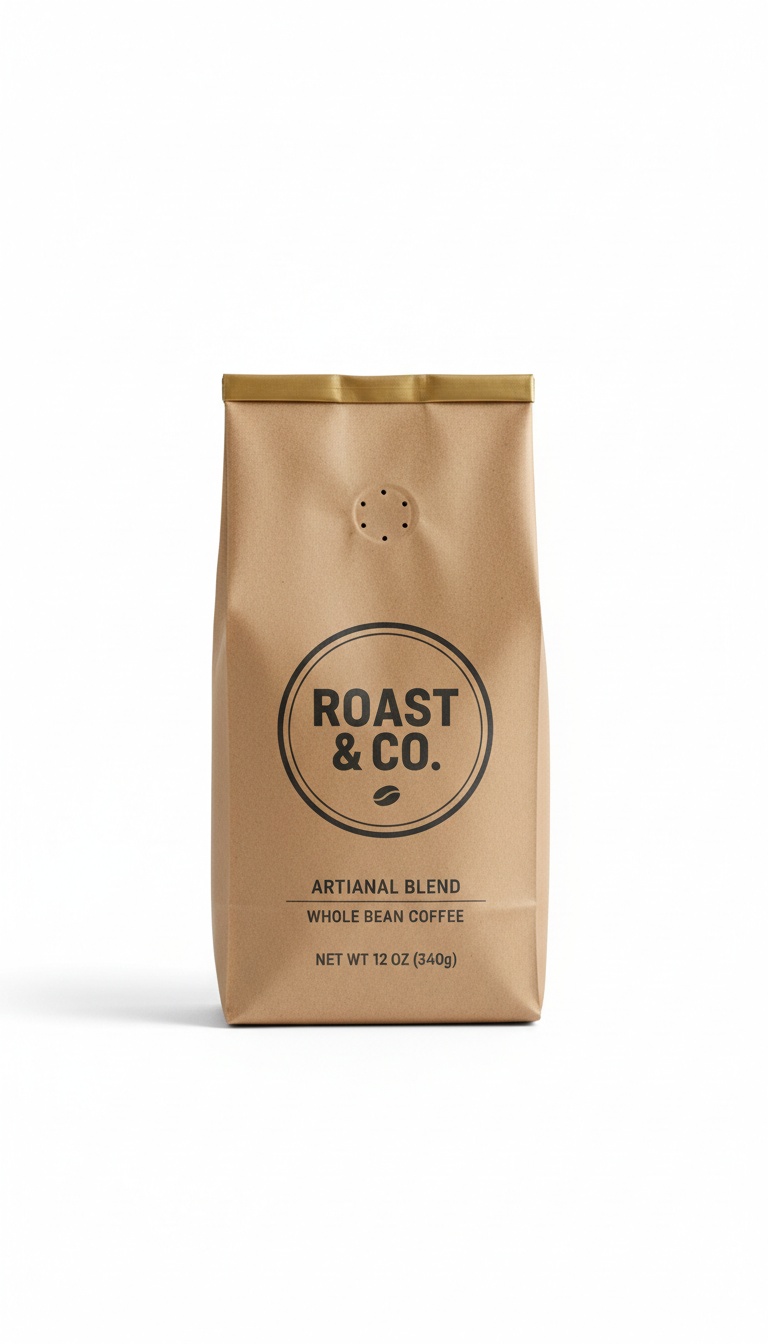
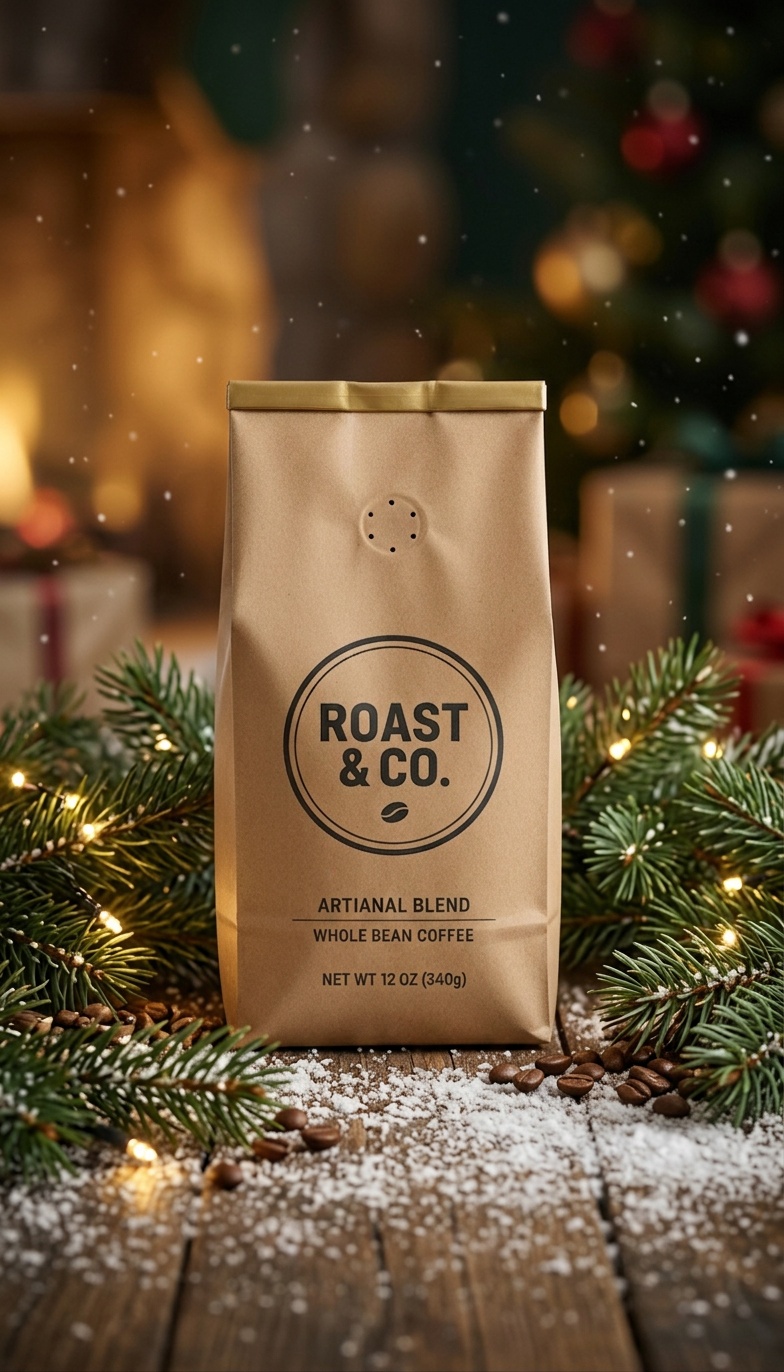
Your product restyled for Christmas, Halloween & every season

2 credits