Login

Unblur Any Photo

Rescue soft, shaky and out-of-focus shots. PixZap sharpens the detail back in and sends you a crisp, full-resolution version — perfect for blurry memories, screenshots and scans.

Try Unblur — 5 credits FREE!

Chat on WhatsApp

19152774205

Or text the number directly

Try it free. Your first 5 credits are on us — no sign-up or card required.

PixZap

Online

Hi! I'm PixZap 📸 Send me a photo and I'll sharpen blurry, soft or out-of-focus photos.

2:30 PM
Type a message...
It all happens inside WhatsApp, just like texting a friend
  1. 1 Open WhatsApp
  2. 2 Send your photo
  3. 3 Get it back in seconds
  4. 4 Share with friends

Unblur — Inside WhatsApp

Rescue soft, shaky and out-of-focus shots. PixZap sharpens the detail back in and sends you a crisp, full-resolution version — perfect for blurry memories, screenshots and scans.

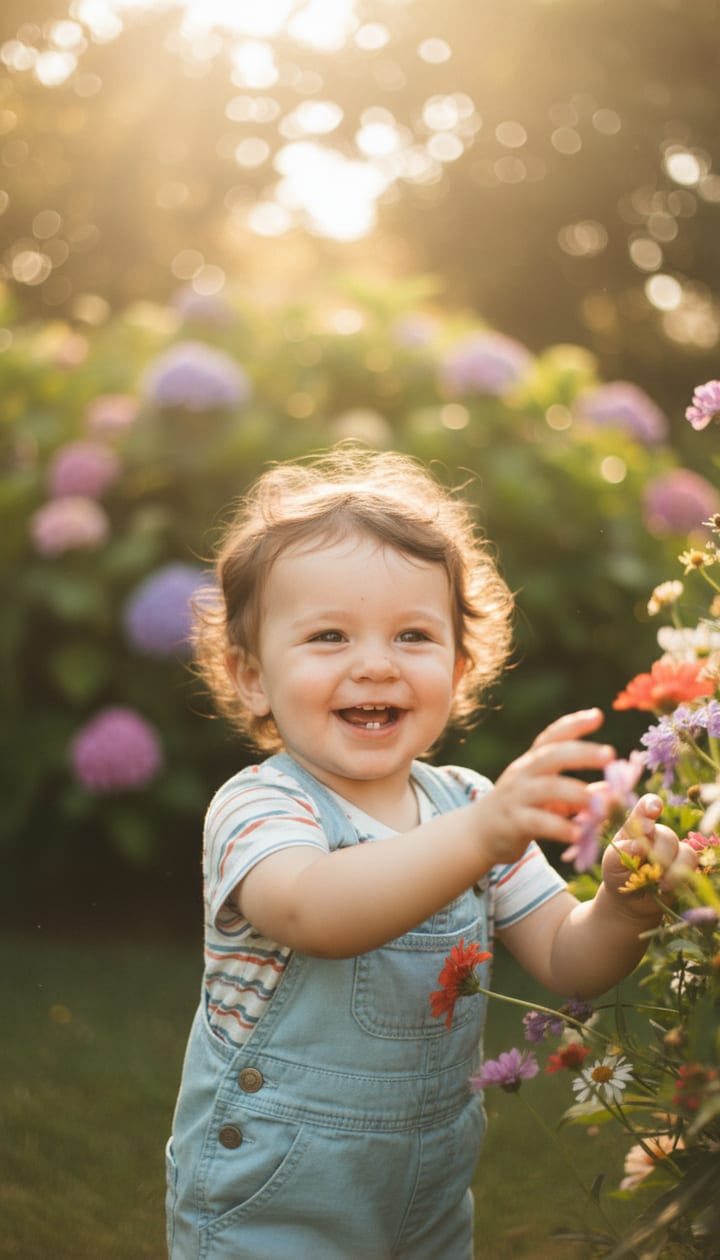
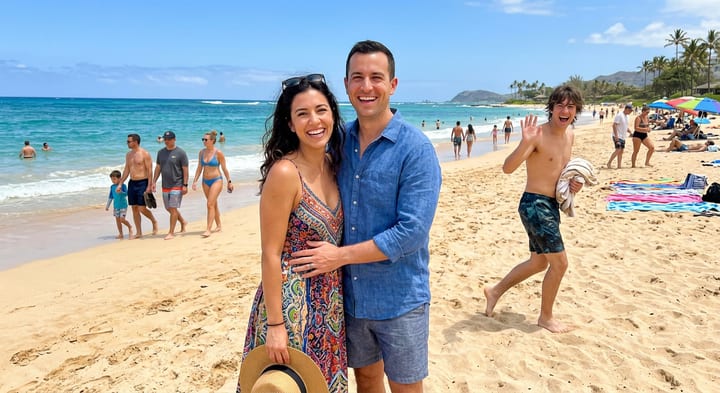
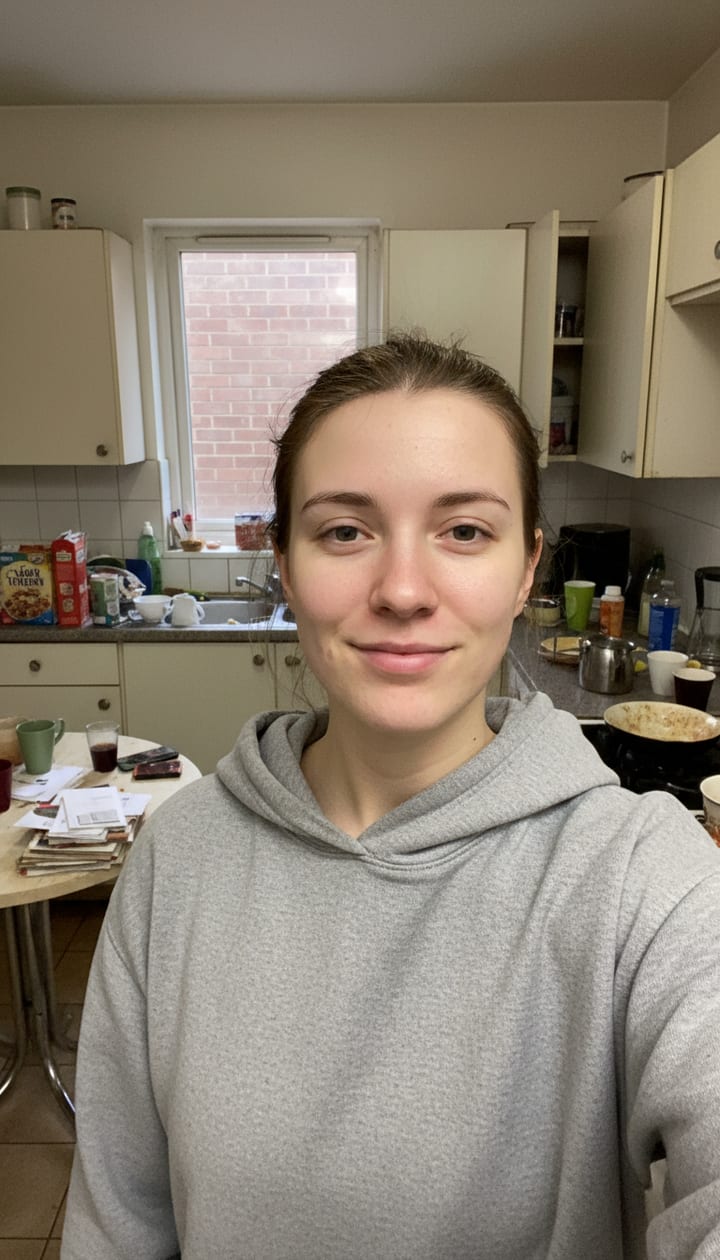
Unblur — before Before
PixZap
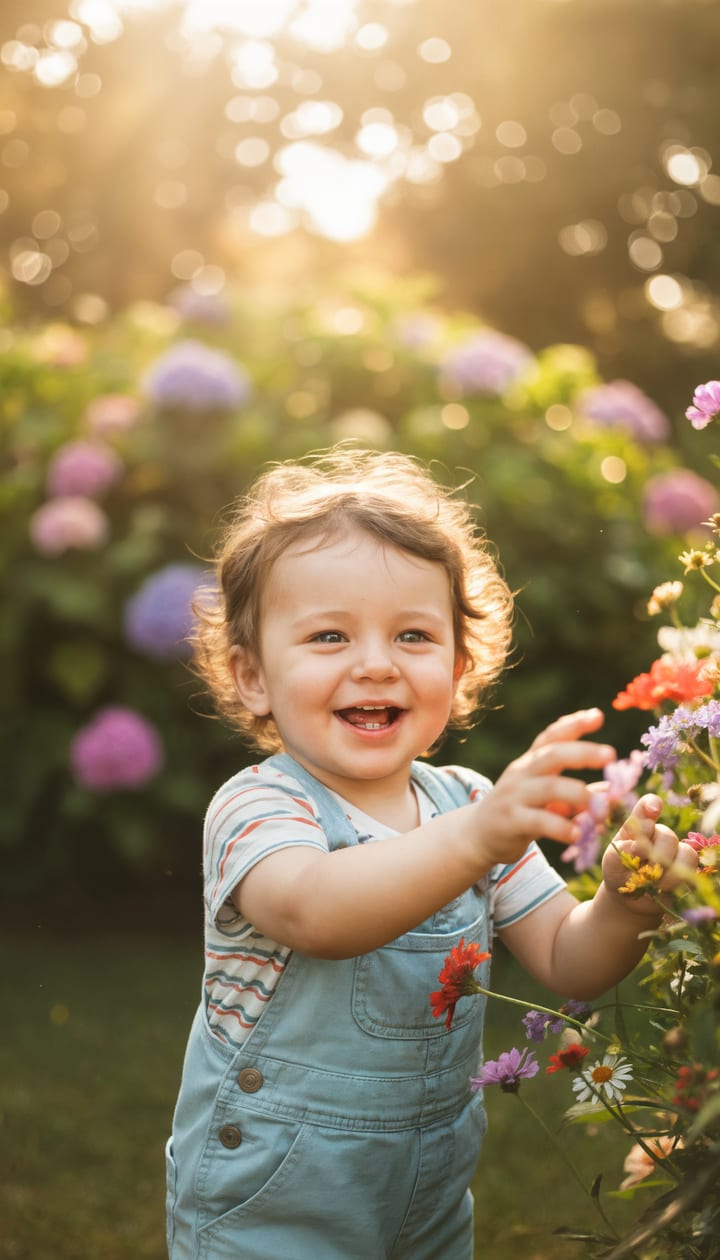
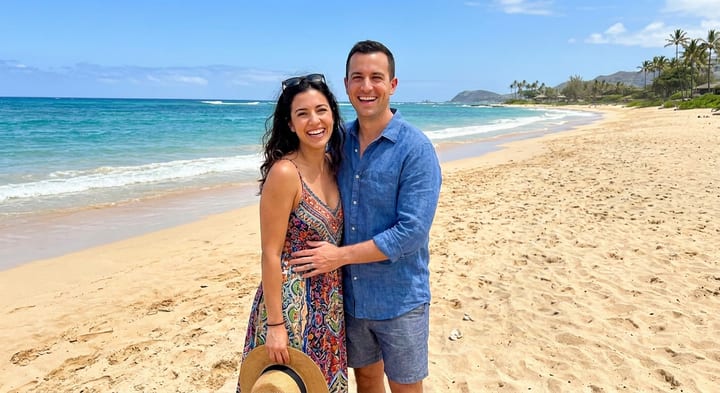
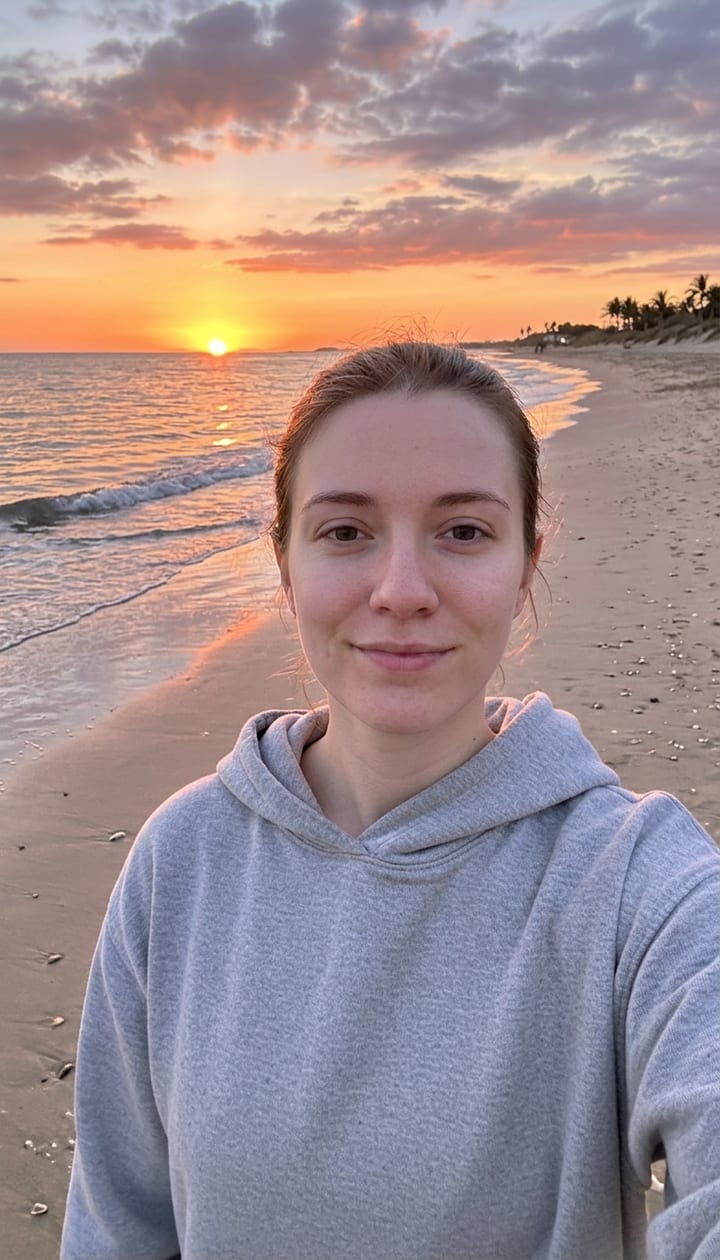
Unblur — after After ✨

Real before and after, straight back in the chat

PixZap

PixZap

Online

Type a message...

Unblur

Sharpen blurry, soft or out-of-focus photos

Seconds, not hours

Your result comes straight back in the same chat.

No app to install

It all happens right inside WhatsApp.

Private by default

Photos never shared, sold, or used to train AI — delete anytime.

How PixZap Works

Sharpen blurry, soft or out-of-focus photos. 2 steps, all inside a WhatsApp chat.

1
Step 1
Unblur input

Send the blurry photo

Open PixZap on WhatsApp and drop in the soft or out-of-focus photo you want to rescue, just like messaging a friend. No settings to fiddle with.

2
Step 2
After
Unblur result

Get a sharp version back

Seconds later a crisp, sharpened version lands in the chat — plus a full-resolution download link, because WhatsApp compresses the in-chat preview and that's exactly where the new detail would be lost.

Zap it, then Stack it…

Every result comes back as a photo in your chat — so keep going. Favourite stacks with Unblur:

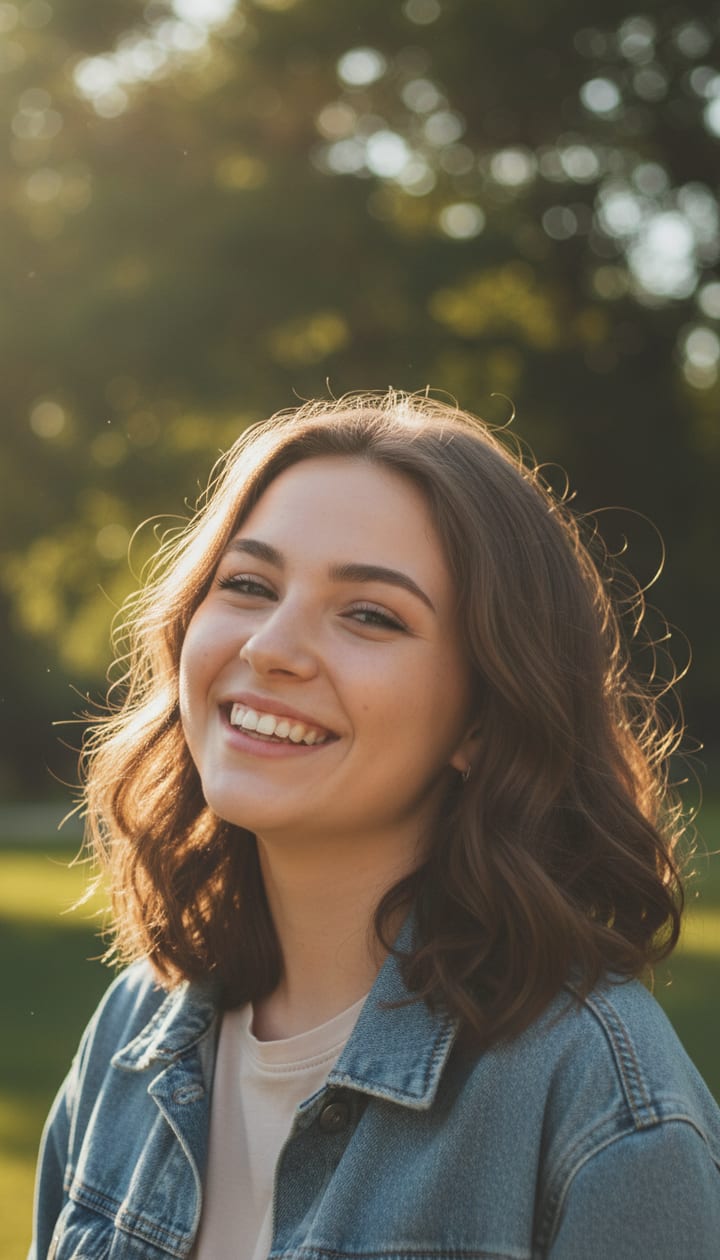
Unblur — your photo, before

Your photo

Unblur
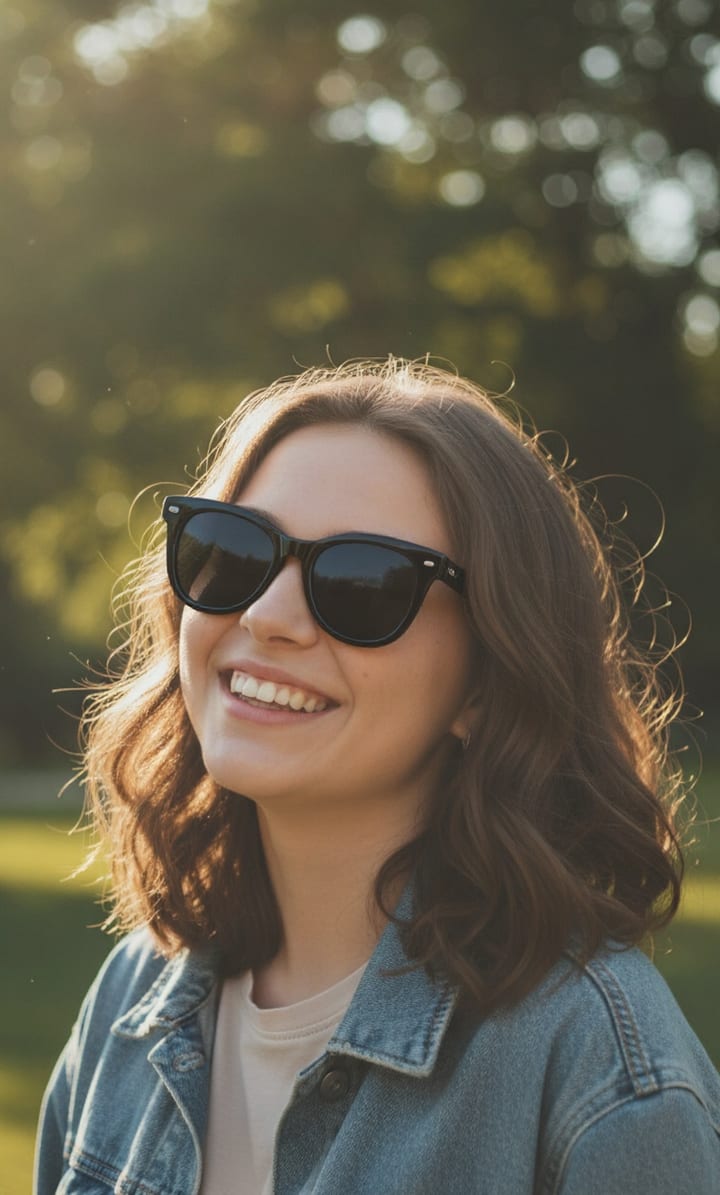
Unblur — the result

Zap #1 done

Sharpen, then print big

Sharp, then golden-lit

Each zap is one message — send the result straight back with your next instruction.

Simple pricing

Buy credits as you go, or subscribe and save. Spend across every service.

Unblur costs 1 credit per run

✨ New here? Your first 5 credits are free — try it before you buy.

Free results carry a small watermark — any pack or plan removes it.

Taster
$2.99
15 credits
$0.199/credit

A few credits to try any service

Try now!
Mini
$4.99
30 credits
$0.166/credit

Enough for a good mix of any services

Try now!
Most popular
Popular
$9.99
70 credits
$0.143/credit

Plenty of credits to spend on any service

Try now!
Value
$19.99
160 credits
$0.125/credit

Our best rate — stock up for anything

Try now!

Every plan works across all services, and every paid credit gets clean, watermark-free results. Subscriptions add rollover credits and cost less per credit.

Frequently Asked Questions

Everything you need to know about PixZap

How blurry is too blurry?

PixZap does best with mild-to-moderate blur — soft focus, camera shake, slight motion. A photo that's a total smear has no detail left to recover, so results there are limited.

Will it change how people look?

It sharpens and rebuilds fine detail rather than repainting faces, so people stay recognisable. On very soft shots it reconstructs some texture — check the result looks like the person before you rely on it.

What's the difference from Enlarge?

Same enhance engine, different job: Unblur is framed for rescuing soft, out-of-focus shots; Enlarge is for making a good photo bigger and print-ready. Both hand you a full-resolution download.

Is it safe? What happens to my photos?

Your photos are used only to create your result and are kept private. They are never used to train AI models, never shared, and never sold — and you can ask us to delete your photos and chat history at any time.

How do credits work?

Everything is priced in credits — a basic edit is 1 credit, a passport photo 12, a video 4–6. Buy a pack once and spend the credits across any service. Credits never expire mid-pack, and new users get a few free credits to try it out first.

How do I start? Is there an app to install?

No app. PixZap works entirely inside WhatsApp — tap the button (or scan the QR code) to open a chat, send your photo, and get your result back in the same conversation.

What is the WhatsApp number?

One number handles everything — just tell it what you want (e.g. “restore this photo”) and it routes you to the right tool. The buttons and QR codes on this page open that chat with the right request pre-filled.

Do results have a watermark?

Free trial results carry a small PixZap watermark. Buy any credit pack or subscription and every result is delivered clean, with no watermark — professional deliverables like passport photos, headshots and product shots are never watermarked.

What if I am not happy with the result?

Tell us in the chat — you can re-run an edit with tweaks, and if a paid result genuinely did not work we will refund the credits.

Ready to try Unblur?

Open WhatsApp, send your photo, and get your result back in seconds.

Try Unblur — 5 credits FREE!

Chat on WhatsApp

19152774205

Or text the number directly

Try it free. Your first 5 credits are on us — no sign-up or card required.

More in Fix & Restore

View all →
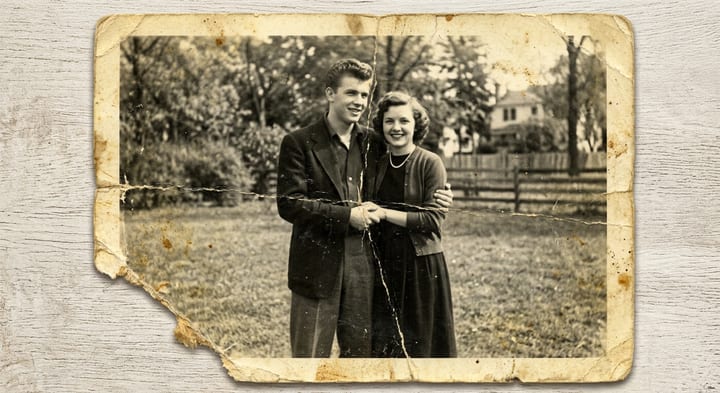
Restore — before
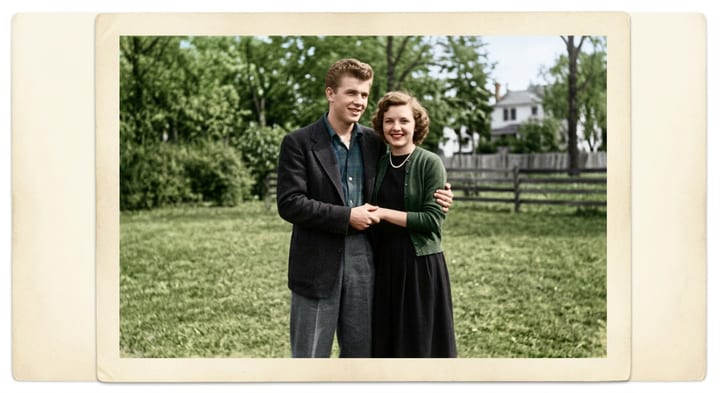
Restore — after
Before After

Restore

Repair & colorize old or damaged photos

1 credit
Remove — before
Remove — after
Before After

Remove

Erase people or objects from a photo

1 credit
Edit — before
Edit — after
Before After

Edit

Change anything in a photo with a description

1 credit
Change Background — before
Change Background — after
Before After

Change Background

Put yourself anywhere — beach, studio, city or blur

2 credits